Indoor Digital Signage
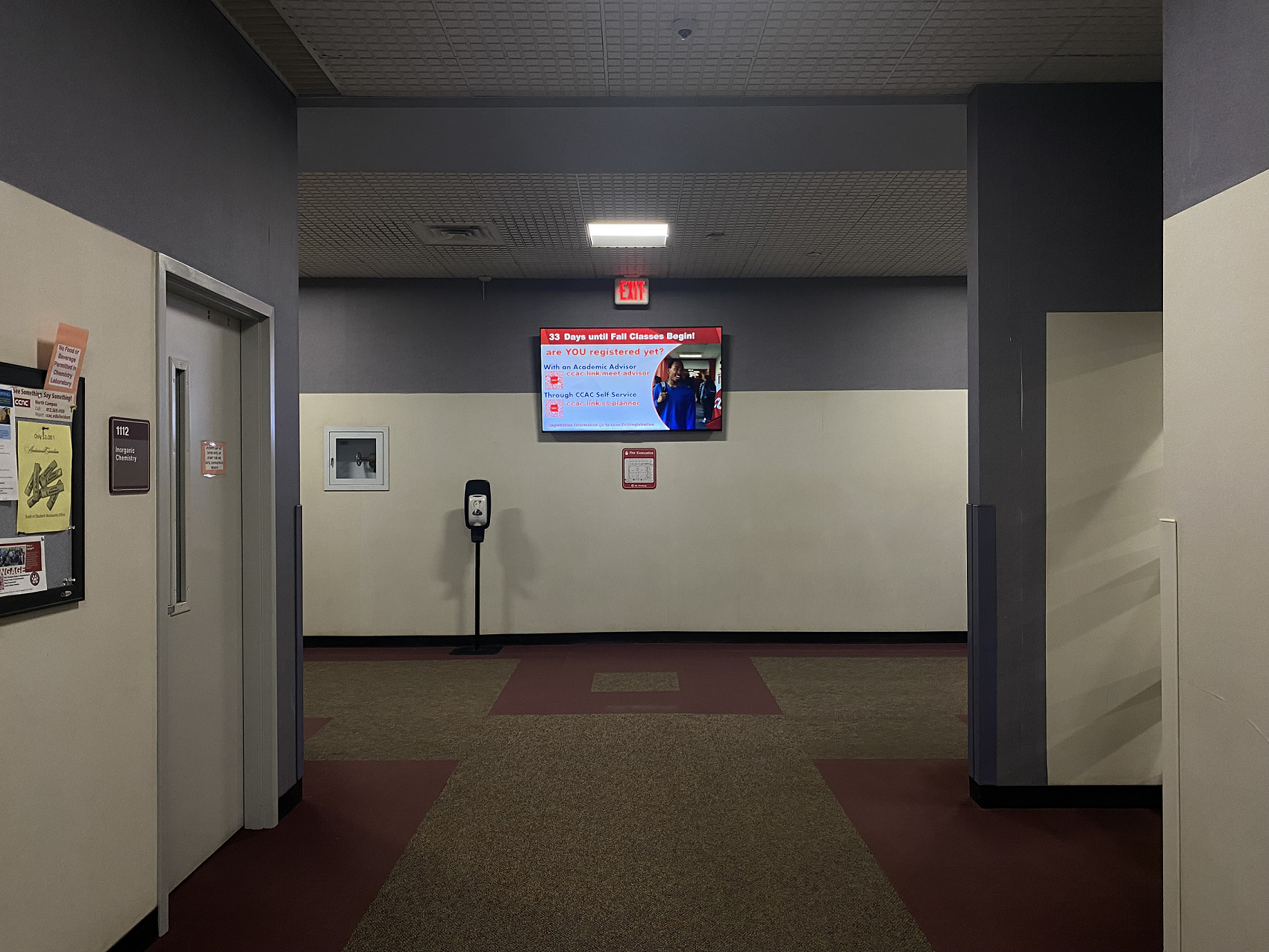
Indoor signage is a great way to promote or make anyone aware of an event or something taking place at the campus. Indoor signage’s target primary audience is the students, but also for employees and the public.
To grab the attention of the view, digital signage should consist of moving animation. This will help bring the attention to the signage and help engage the viewer. Using animation can also help enhance the reinforce the message being presented.
Expiration & Retention of Material
Expiration
Content will only be displayed for a semester. If you choose a date, further out then the semester's end date, the content will still end on the semester's end date. This will ensure your content is up to date for the following semester.
Retention
Content will remain on the display's server 1 month after the end date. The design file will remain 1 year after the end date on the design server.
Outdoor Digital Signage

Outdoor signage is a great way to promote or make anyone aware of an event that the public can attend or something taking place at the campus that the public may want to come to.
Retention of Material
Content will remain on the display's server 1 month after the end date.
Requesting Content
The requestor submitting the digital signage request is responsible for ensuring the relevance of the content. In the event of changes to dates, details, or if the content becomes outdated, it is the requestor’s responsibility to submit an update or removal request for the digital signage.
CCAC Requestors
Digital signage can only be requested by a CCAC employee or student. If you are not already signed into SSO, you will need to sign in using your CCAC NetID account. Then you will be taken to the request form.
External Requestors
If you are an organization outside of CCAC and want to display your content on CCAC's digital signage, you must be sponsored by a CCAC employee. That employee takes full responsibility of the request and will be able to add you to the digital signage request form. Once added to the request, you will be able to see the communication thread, reply and approve the content.