CCAC Self-Service
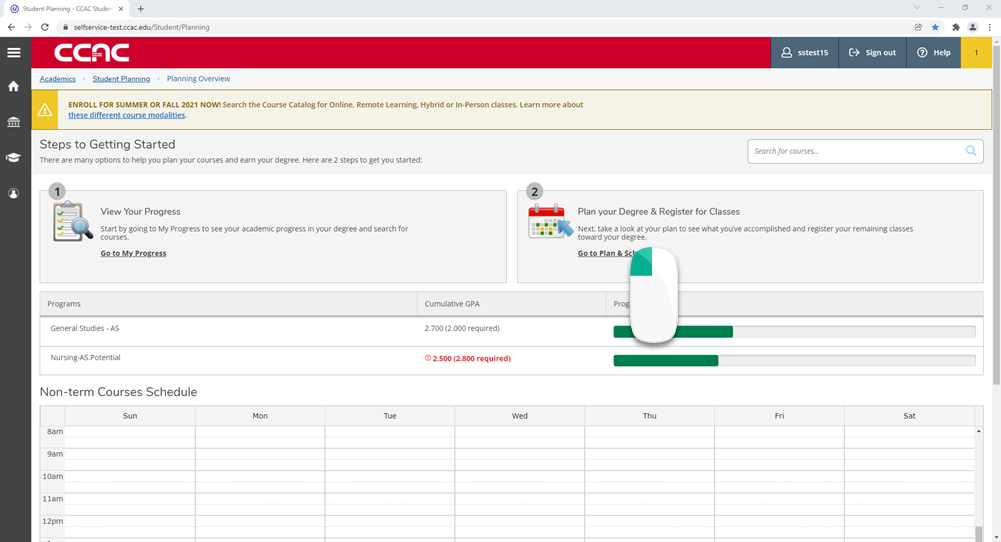
- From a web browser, go to https://selfservice.ccac.edu/Student/Planning or use the link www.ccac.link/see-schedule
- Click the link Go to Plan & Schedule
- You will see your schedule for the whole semester, including late starts
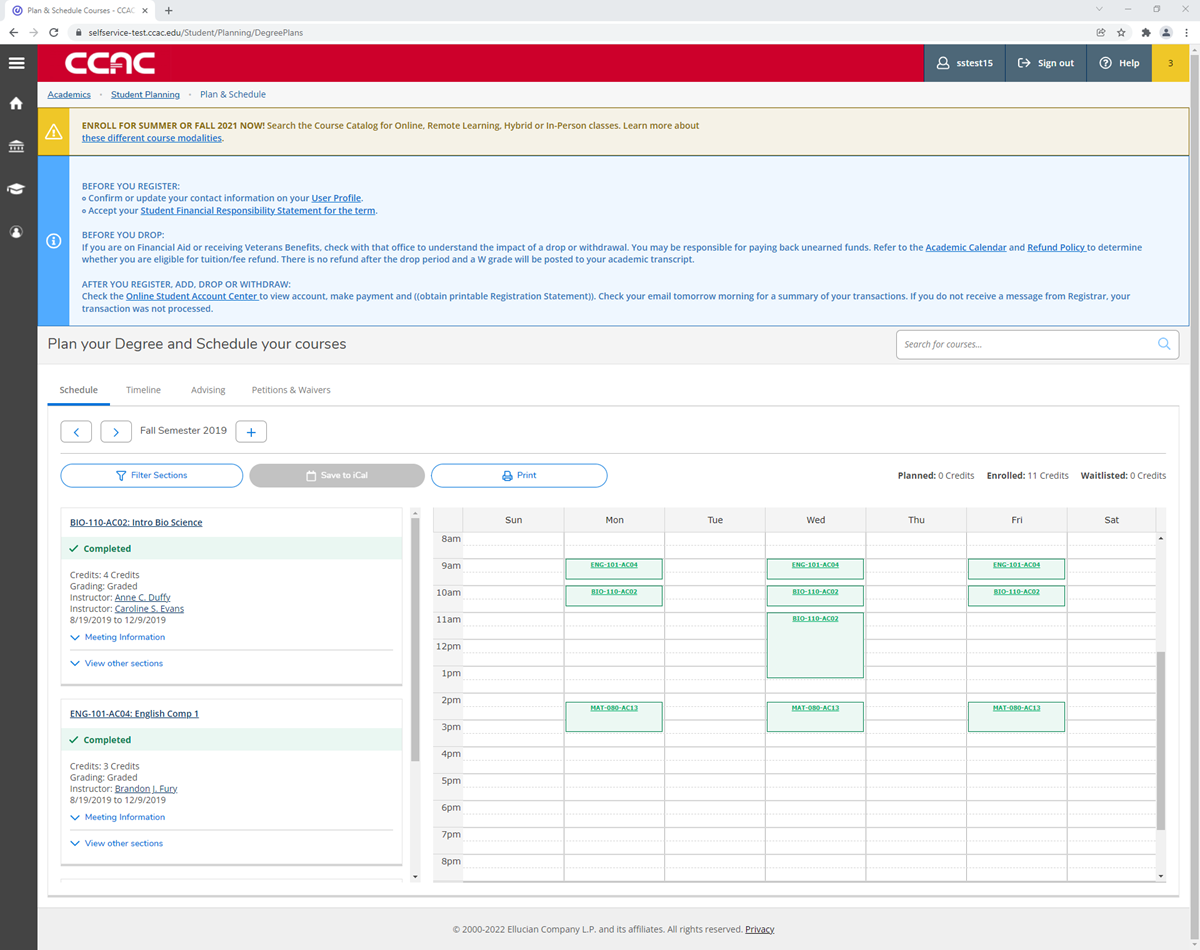
- Check the start date for the class, use Meeting Information to expand the course information
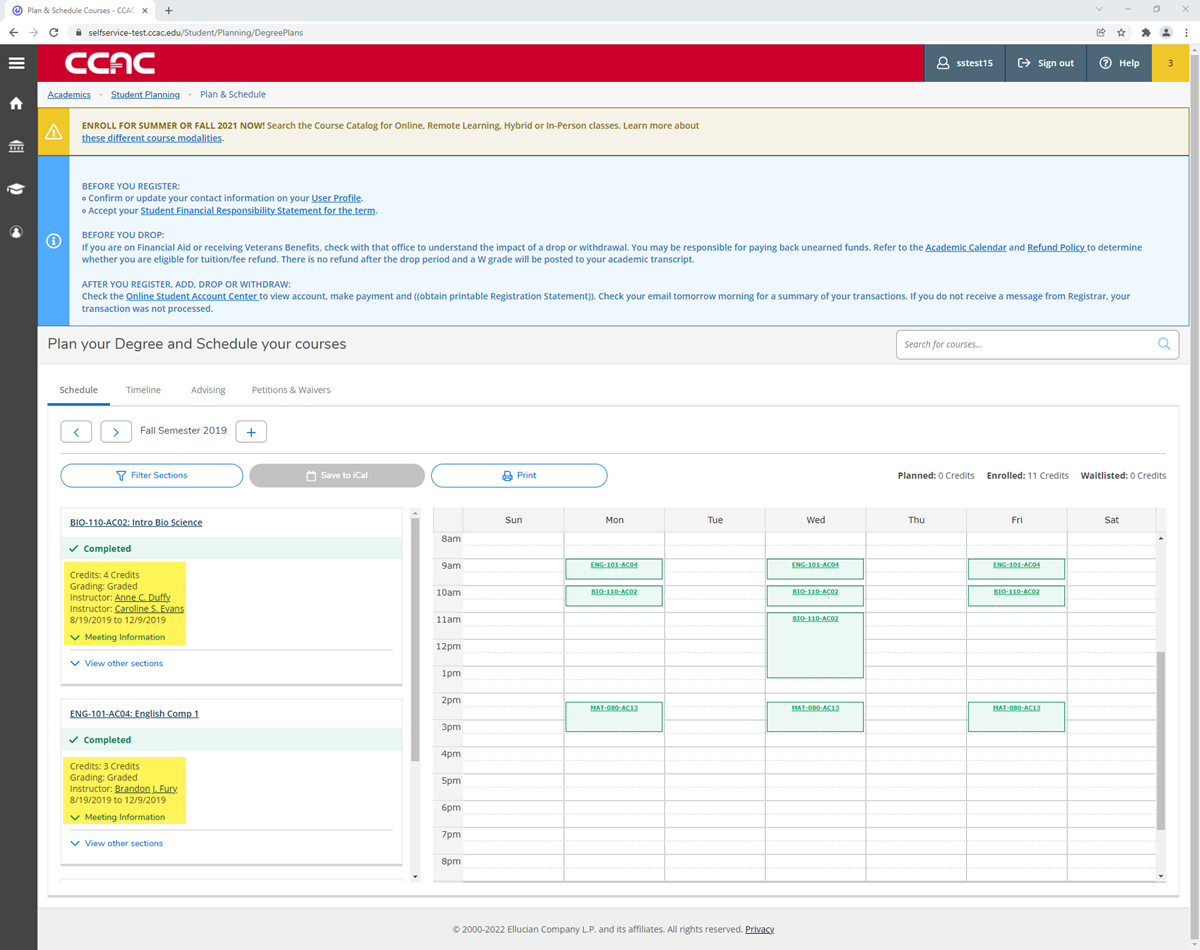
- Check the start date for the class, use Meeting Information to expand the course information
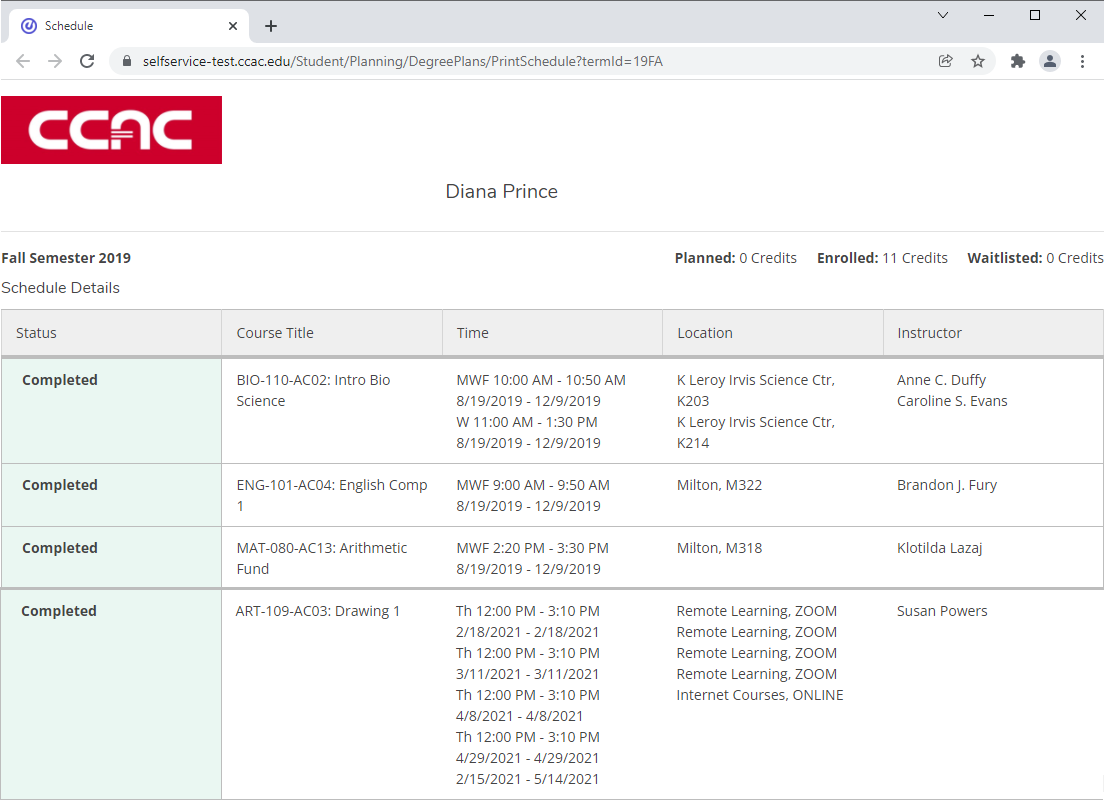
- Click the Print button
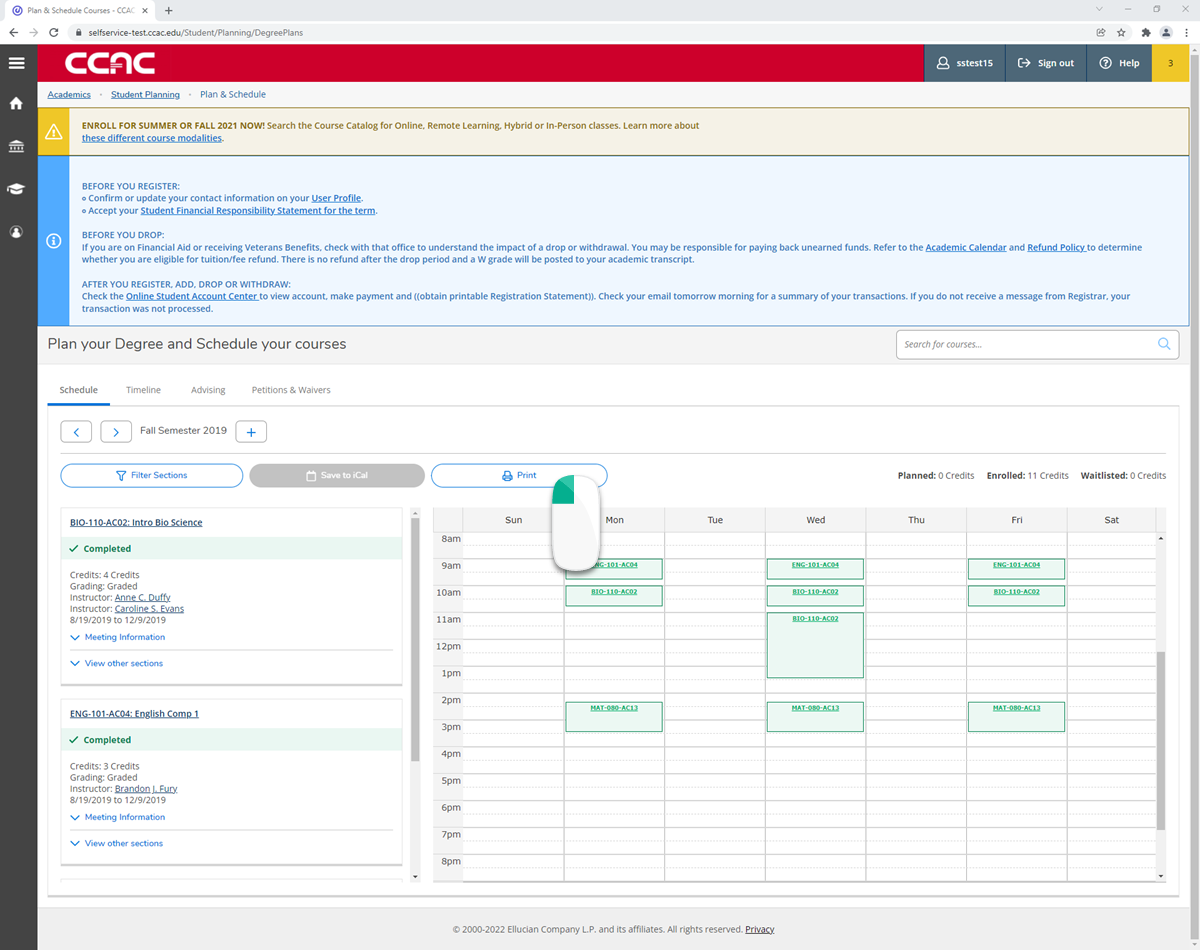
- A separate window will appear with your schedule
Colleague
You must be logged in to see these directions. Click the Log In Link in the top right of the screen.